
Ui Testing
Let's try out the create task feature in the UI.
Create a Task
To get started, let's ensure the UI is running in Docker, then head over to http://localhost:3000 in our browser.
Note
The network panel in your browser's developer tools is one of the best places to look when figuring out if your REST API requests are working as expected.
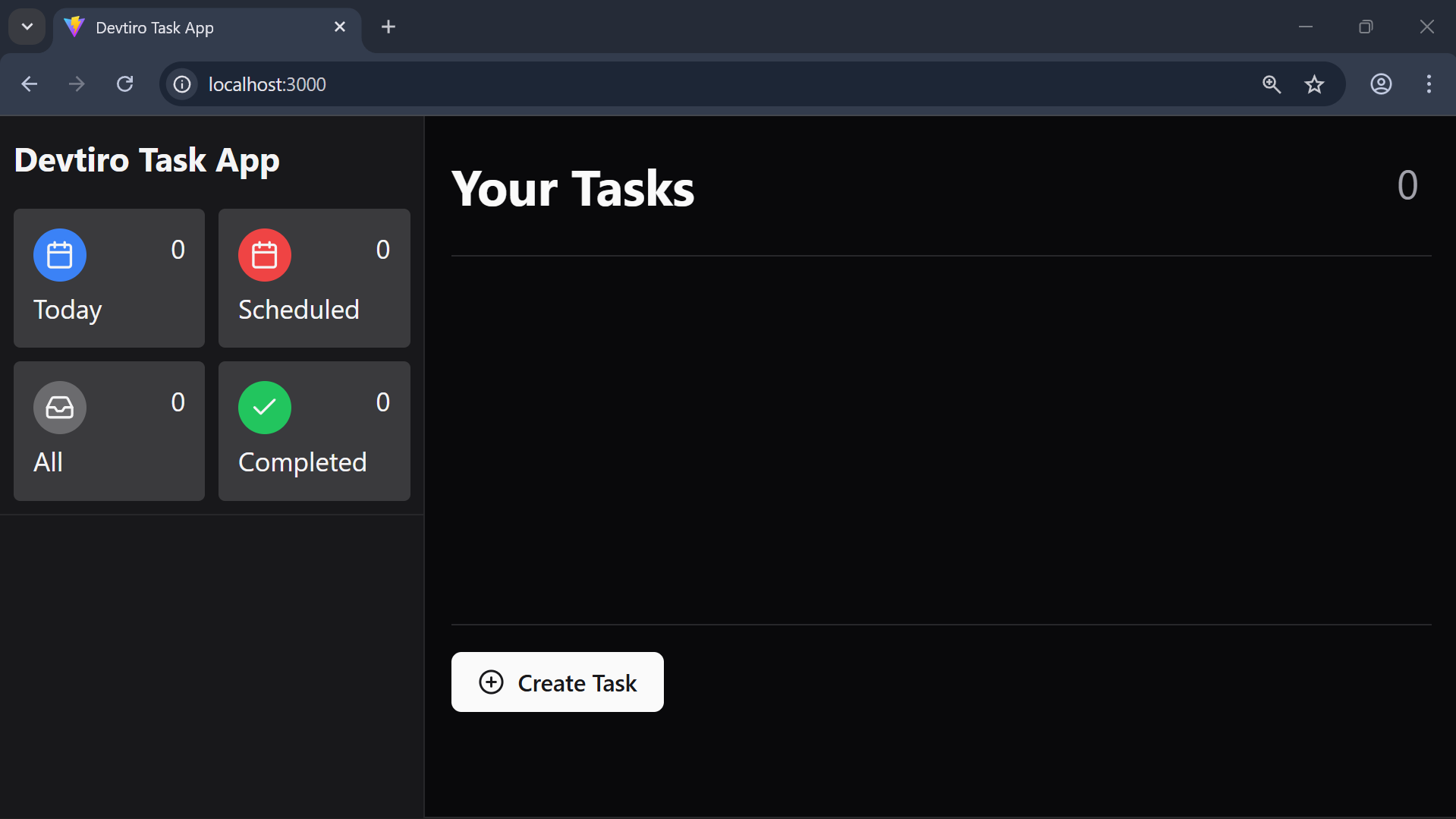
- Click the "Create Task" button in the bottom-left of the page. This brings up a dialog with a form to create a new task.
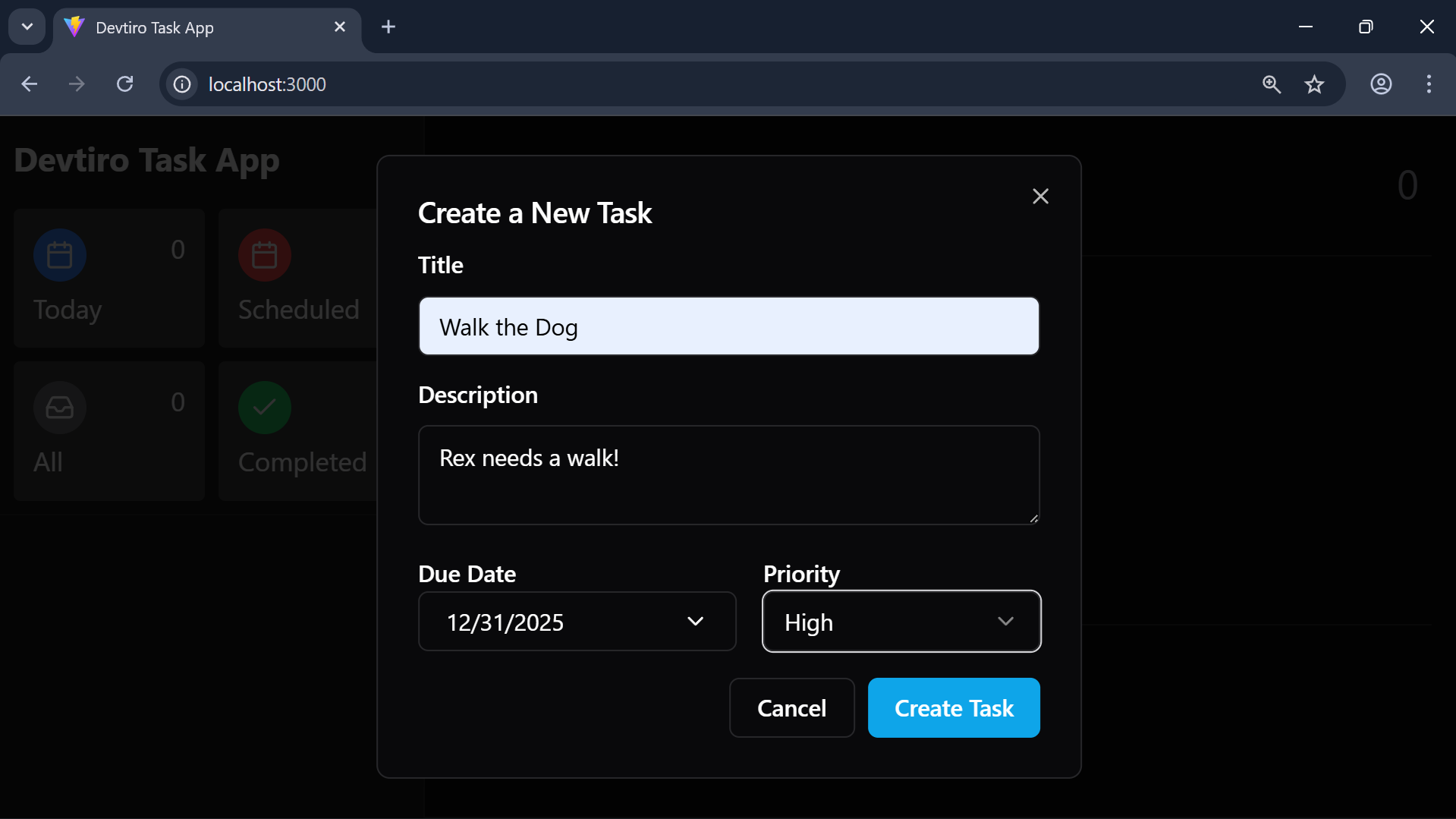
- Enter a title, optional description, optional due date, and select a priority. Click the "Create Task" button to create the task.
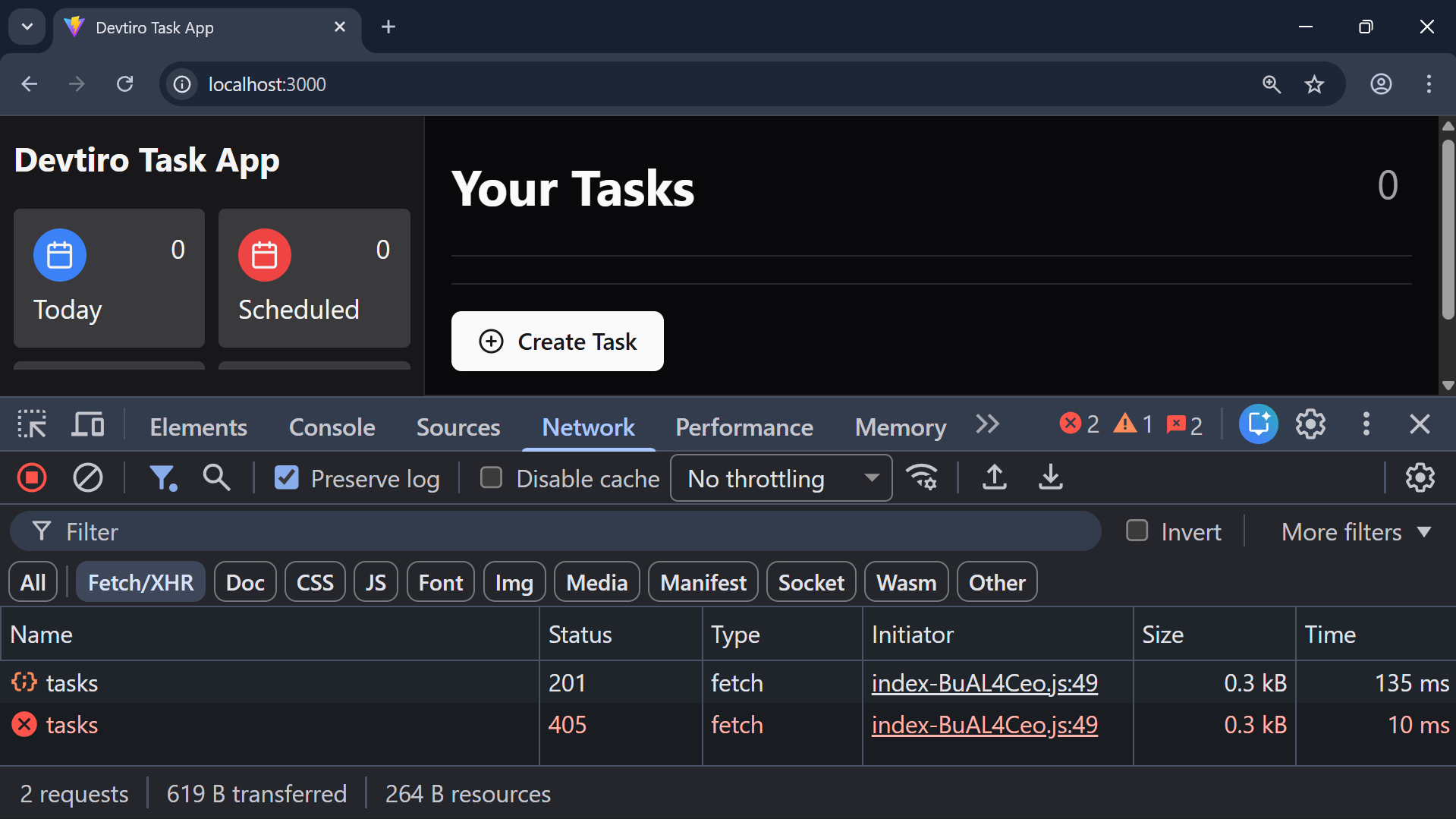
- You'll see
HTTP 201 CREATEDreturned on the create task call.
But wait, why can't we see the task we created on the UI? Well, that's because we haven't implemented the list tasks endpoint yet.
Let's code this next.
Summary
- Created a task using the UI.
