
Project Brief Overview
What does our app need to do? Let's explore this build's requirements.
The 10,000 Foot View
We're going to build an app in which a user can capture tasks they plan to complete in the future.
Apps like this are sometimes called "todo list" or "reminder" apps.
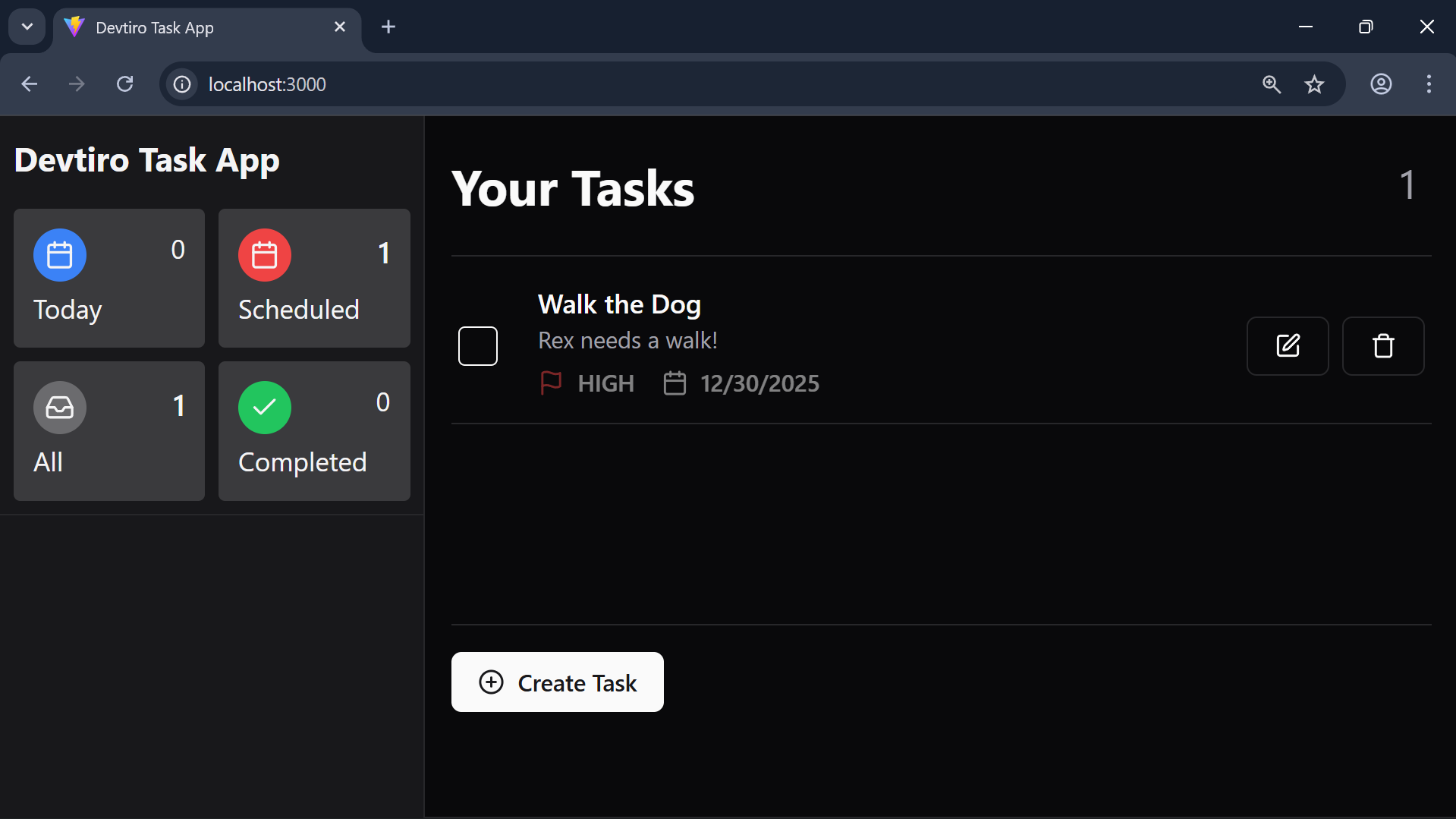
The principle is simple, the user creates a "task" which might be, say, "Walk the dog".
They may add more details in the form of a description, like "Take Rex to the park".
They may add a due date that they aim to complete the task by.
They may rate the priority of the task, is it high, medium, or low priority?
But the goal of every task is always the same, to remember and complete that task.
By now you likely get the gist of what we're to build. Is it enough to start coding? Not quite, let's see how to capture this app's requirements.
What's a User Story?
We need to get more specific on what we're going to build, so we capture this build's requirements using a technique called "user stories".
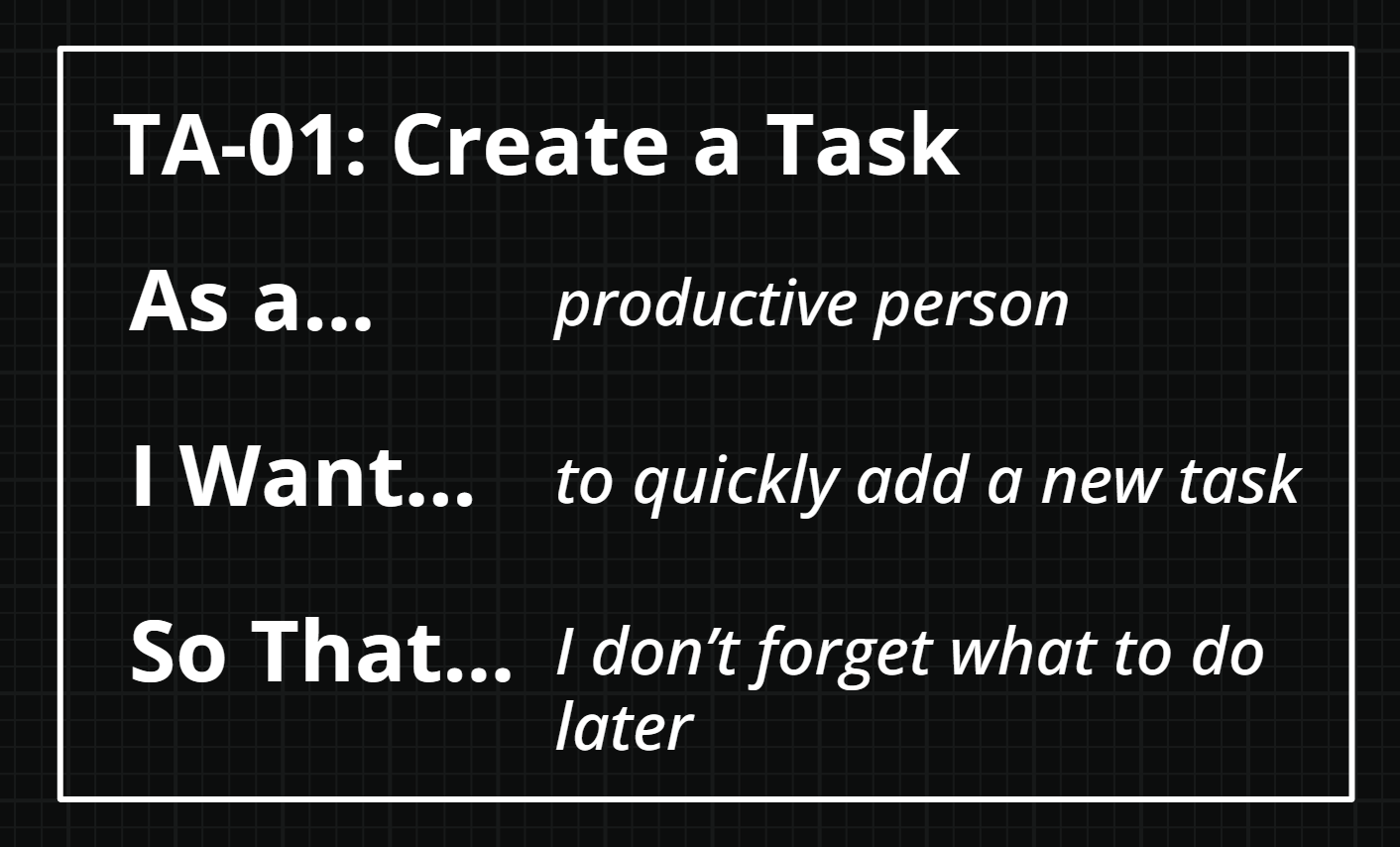
It's a simple, but powerful, technique you'll often see used in Agile development teams.
Variations exist, but here's the Devtiro approach.
Title
Each user story has a title that summarises the purpose of that story. An example may be "Create a Task".
To help identify each user story I use a coded prefix, so the full title is "TA-01 - Create a Task".
This user story is about creating a task.
As A, I Want, So That
Each user story follows a specific three-sentence structure.
The first sentence starts "As a", such as "As a productive person". This tells you who the user story is about. In this case a "productive person".
The second sentence starts "I want", such as "I want to be able to quickly add a new task". This line tells us what the user story needs us to deliver.
The final sentence starts "So that", such as "So that I don't forget about what I need to do later". This tells us why we're implementing the user story.
A traditional requirement like "The system shall capture a user's tasks", tells us what, but our user story tells us who, what, and why.
This extra context is valuable, and that's why we use user stories.
Acceptance Criteria
Finally, every Devtiro user story has a set of acceptance criteria.
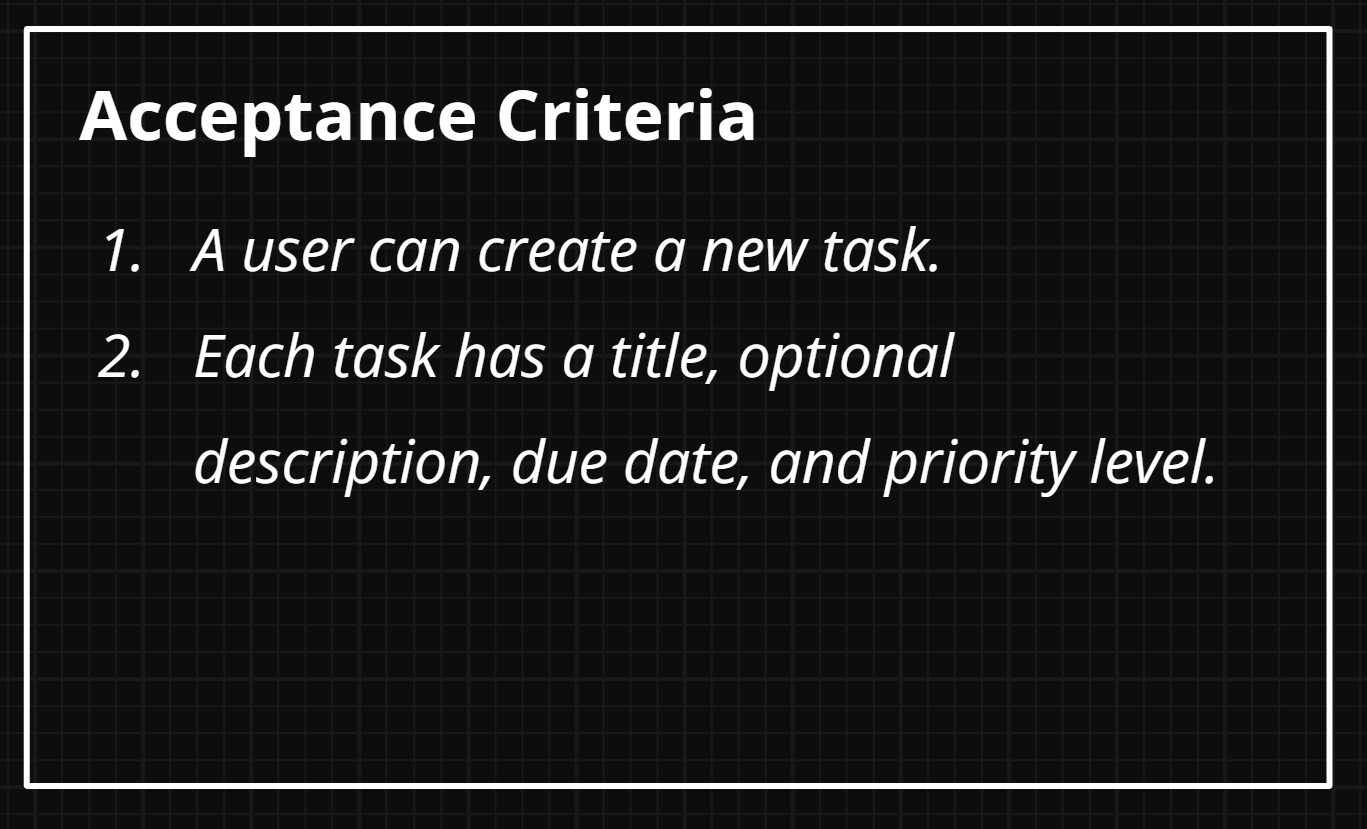
The three-sentence structure by itself is still a bit vague, that's where the acceptance criteria come in.
Acceptance criteria are sentences that evaluate to either true or false.
The goal is to get all the user story's acceptance criteria to true. That's when you can say you've completed the story.
For example, "A user can create a new task" starts off false at the start of the project. However, once we've written the code to allow a user to create a task, this acceptance criteria becomes true.
Let's explore this build's user stories:
Task App User Stories
In total this build has four user stories:
TA-01 - Create a Task
As a productive person.
I want to quickly add a new task.
So that I don't forget what to do later.
Acceptance Criteria
-
A user can create a new task.
-
Each task has a title, optional description, due date, and priority level.
TA-02 - Update a Task
As a productive person.
I want to update existing tasks.
So that I can fix mistakes and keep my tasks up to date.
Acceptance Criteria
- Users can edit a task's title, description, due date, priority level, and status.
TA-03 - Delete a Task
As a productive person.
I want to delete an existing task.
So that I can remove tasks I no longer need.
Acceptance Criteria
- Users can delete tasks.
TA-04 - Complete a Task
As a productive user.
I want to mark a task as complete.
So that I know which tasks need my attention.
Acceptance Criteria
- Users can mark open tasks as complete.
- Users can mark completed tasks as open.
Now that we understand what the app needs to do, let's see how it does it. Let's check out the finished app.
Summary
- Explored the concept of user stories.
- Established the build's requirements as user stories.
