
Install dependencies
In this lesson, we'll explore the user interface for creating events and identify any new requirements it introduces for our backend implementation.
Frontend Architecture
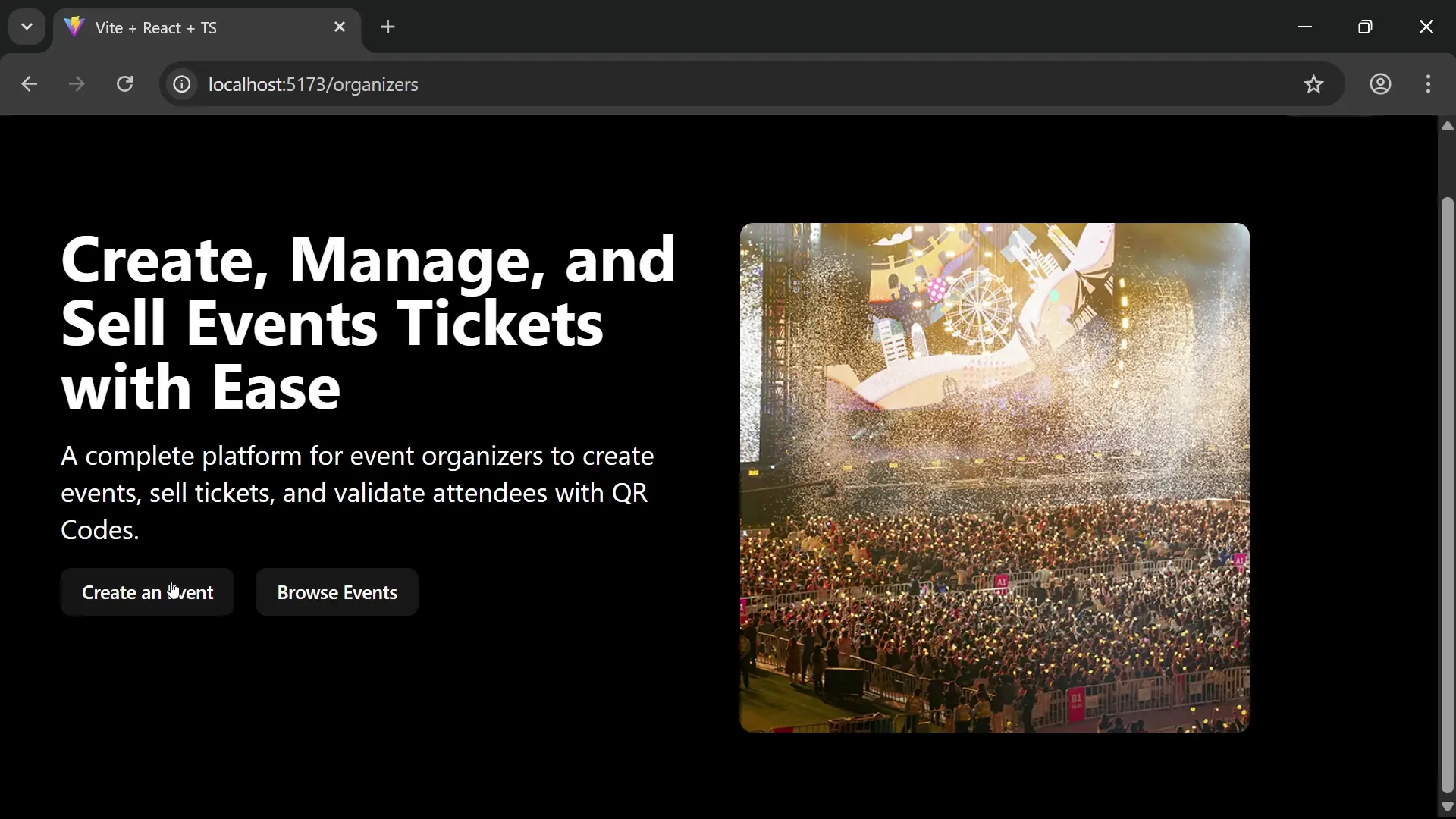
The frontend application is built using React and Vite, with authentication handled through Keycloak. To run it locally:
# Install dependencies
npm install --force  # Force flag needed due to shadcn dependency conflicts

# Start development server
npm run dev
The application will be available at localhost:5173.
Create Event Form
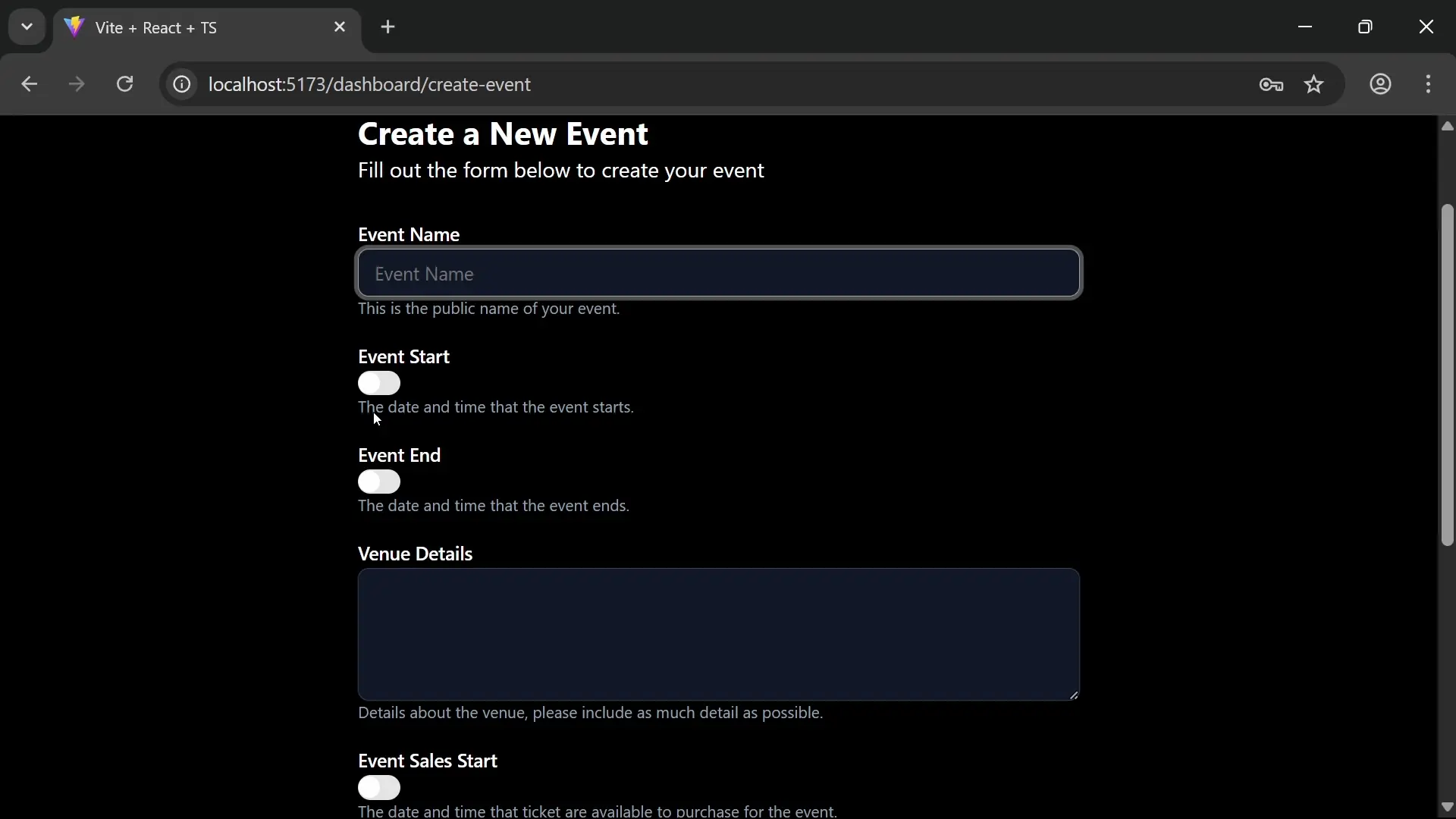
The create event form allows organizers to input:
- Event name (required)
- Event dates (start/end, optional)
- Venue details (required)
- Sales dates (start/end, optional)
- Ticket types (optional)
- Event status (draft/published)
Each ticket type has:
- Name
- Price
- Total available tickets
- Description (new field)
New Backend Requirements
The UI introduces a change to the requirements we need to consider. The description field for ticket types needs to be added to our backend model.
Summary
- The user interface can be used to create an event
- A field named
descriptionhas been added to the ticket type object
